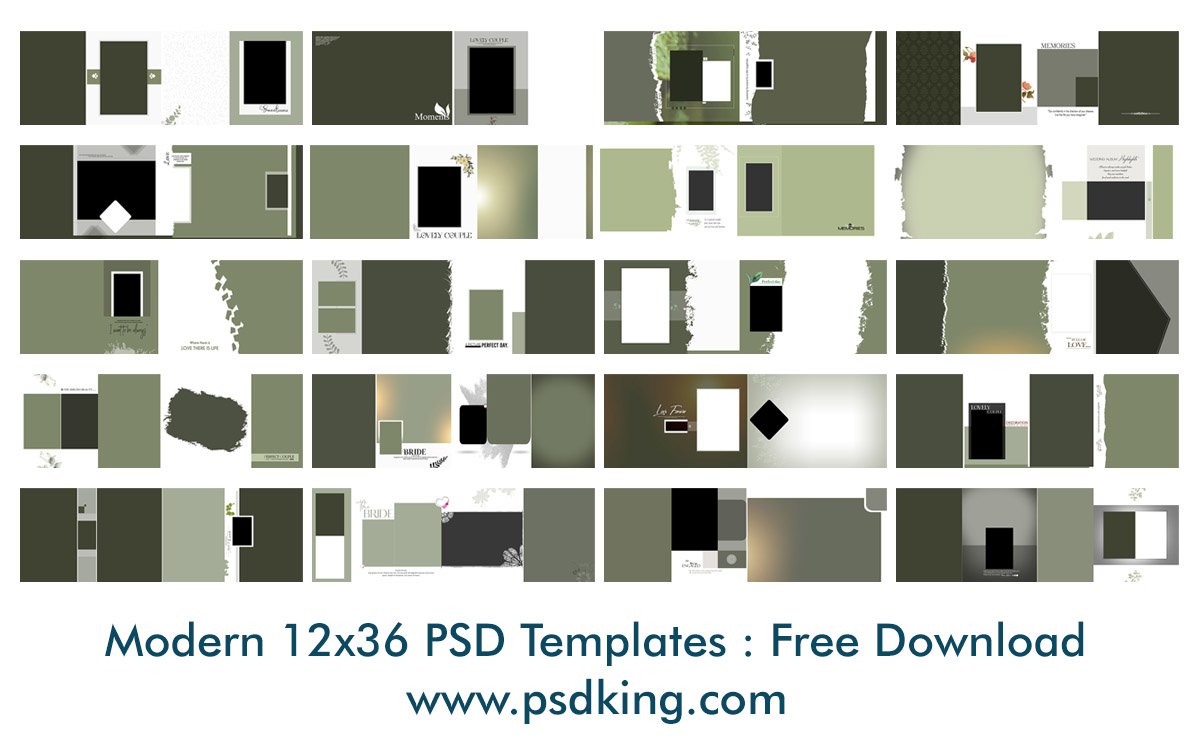
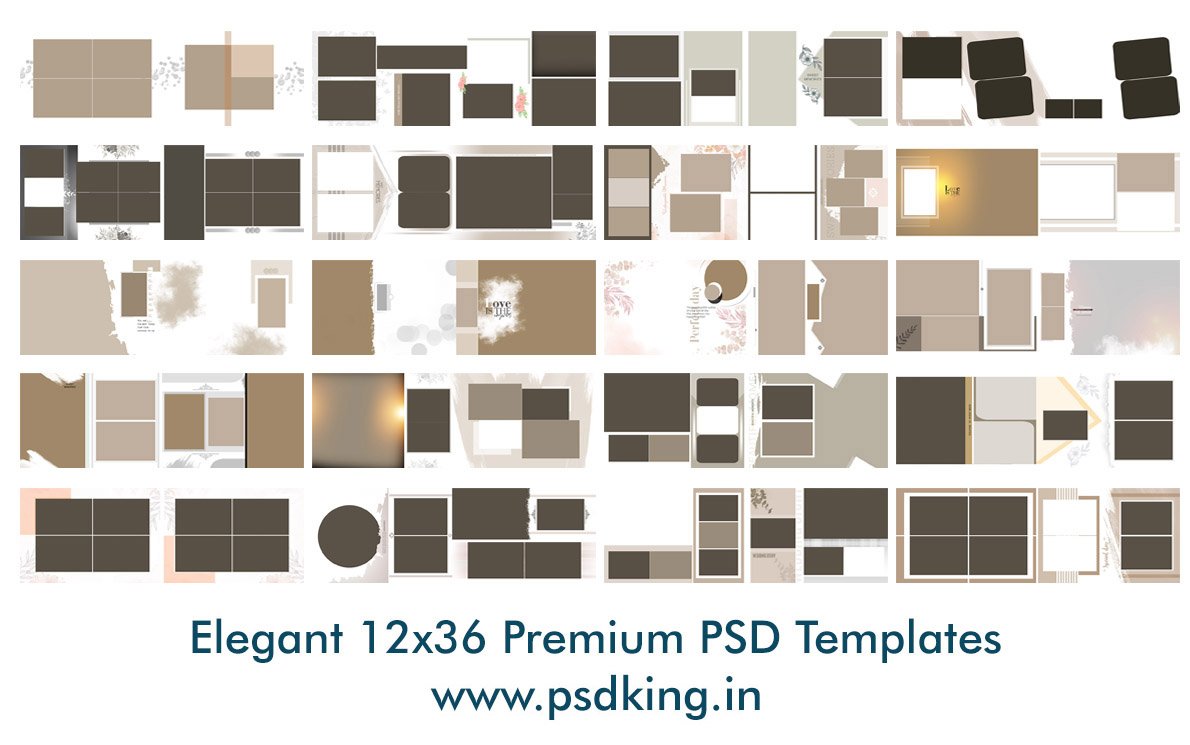
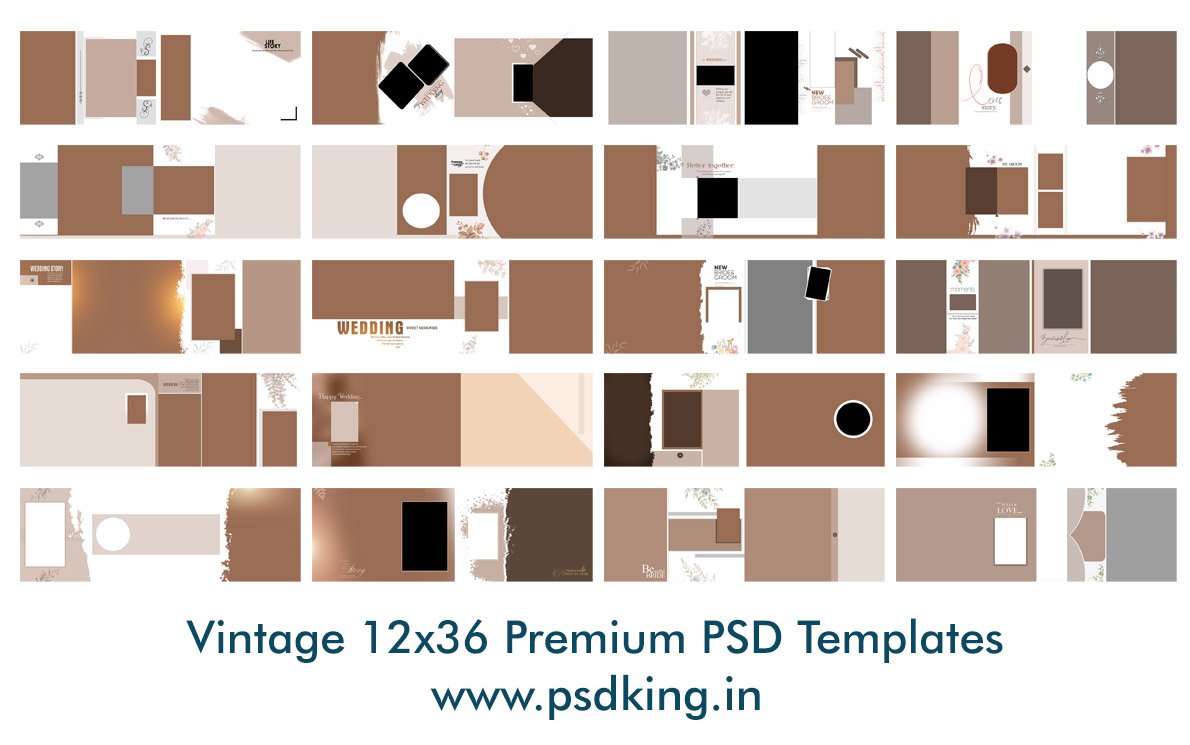
Thank you for choosing psdking.in. Since we specialize in digital products (PSD templates, digital invitations, and graphic assets), our delivery process is entirely digital.
1. Digital Delivery Only
All products available on psdking.in are Digital Goods. We do not ship any physical products (like CDs, Pen drives, or printed materials) to your physical address. All assets are delivered electronically.
2. Delivery Method & Timeline
Instant Access: Once the 15-second secure loading period is complete, the download link will be generated instantly.
No Waiting Period: Access to our resources is available 24/7 immediately after the system generates the secure link.
3. How Downloads Work
Depending on the file size and storage, your download experience may vary:
Automatic Downloads: For many templates, once you click the download button, the file will start downloading automatically in your browser.
Google Drive (Large Files): High-quality PSD and Video templates are often hosted on Google Drive due to their large size.
Virus Scan Warning: Since the files are too large for Google to scan automatically, you may see a message: “Google Drive can’t scan this file for viruses.” This is a standard Google limit for large files. You can safely click “Download Anyway” to proceed.
4. Delivery Costs
Since all items are delivered electronically over the internet, there are Zero (0) Shipping Charges.
5. Access to Content
Our premium templates are provided through a community-supported model (sponsored ads). The digital download link is activated once the technical synchronization (15-second timer) is complete. We ensure that every link provided is secure and leads to the correct asset.
6. Issues with Downloading
If you face any issues:
Refresh the page and try again.
Ensure you click “Download Anyway” if redirected to Google Drive.
If the problem persists, please contact our support team at info@psdking.com or via WhatsApp for manual assistance.