FAQ (Frequently Asked Questions) (english)
Q1: How can I download Premium Templates from PSDKing.in?
Ans: To download our premium content, simply open the specific template post. You may see a brief sponsored message on the page. Locate the download section and wait for the 15-second secure timer to finish; a “Download Now” button will then appear. For large files hosted on Google Drive, you can safely click “Download Anyway” if a warning appears.
Q2: Why is there a 15-second timer to access the files?
Ans: The 15-second timer ensures that high-resolution content is perfectly synchronized with our server to prevent download errors. It also allows you to review the template preview and details to ensure the design meets your needs. Sponsored content helps us cover the hosting costs of these premium assets, allowing us to keep them free for the creative community.
Q3: How is PSDKing.in different from PSDKing.com?
Ans: PSDKing.com is our primary hub for various free resources. We launched PSDKing.in as a dedicated extension to offer high-value premium templates entirely for free through our community-supported advertising model.
Q4: What kind of support do you offer?
Ans: We provide technical support for issues related to file downloads or file corruption. However, we do not provide software training (e.g., how to use Photoshop) or custom editing services.
Q5: Can I resell these templates?
Ans: No, reselling, sub-licensing, or directly redistributing the source files is strictly prohibited. You are allowed to use them for personal projects or to create final designs for your clients.
Q6: Can I use the templates for my commercial clients?
Ans: Yes, you are welcome to customize the templates and provide the final output (like a JPG or MP4) to your commercial clients. However, the original source files (PSD or Project Files) must not be shared or resold.
Q7: What software is required to use the templates?
Ans: You will need Adobe Photoshop CC or a newer version for PSD Templates, and Adobe Premiere Pro 2023 or a newer version for Video Invitation Templates.
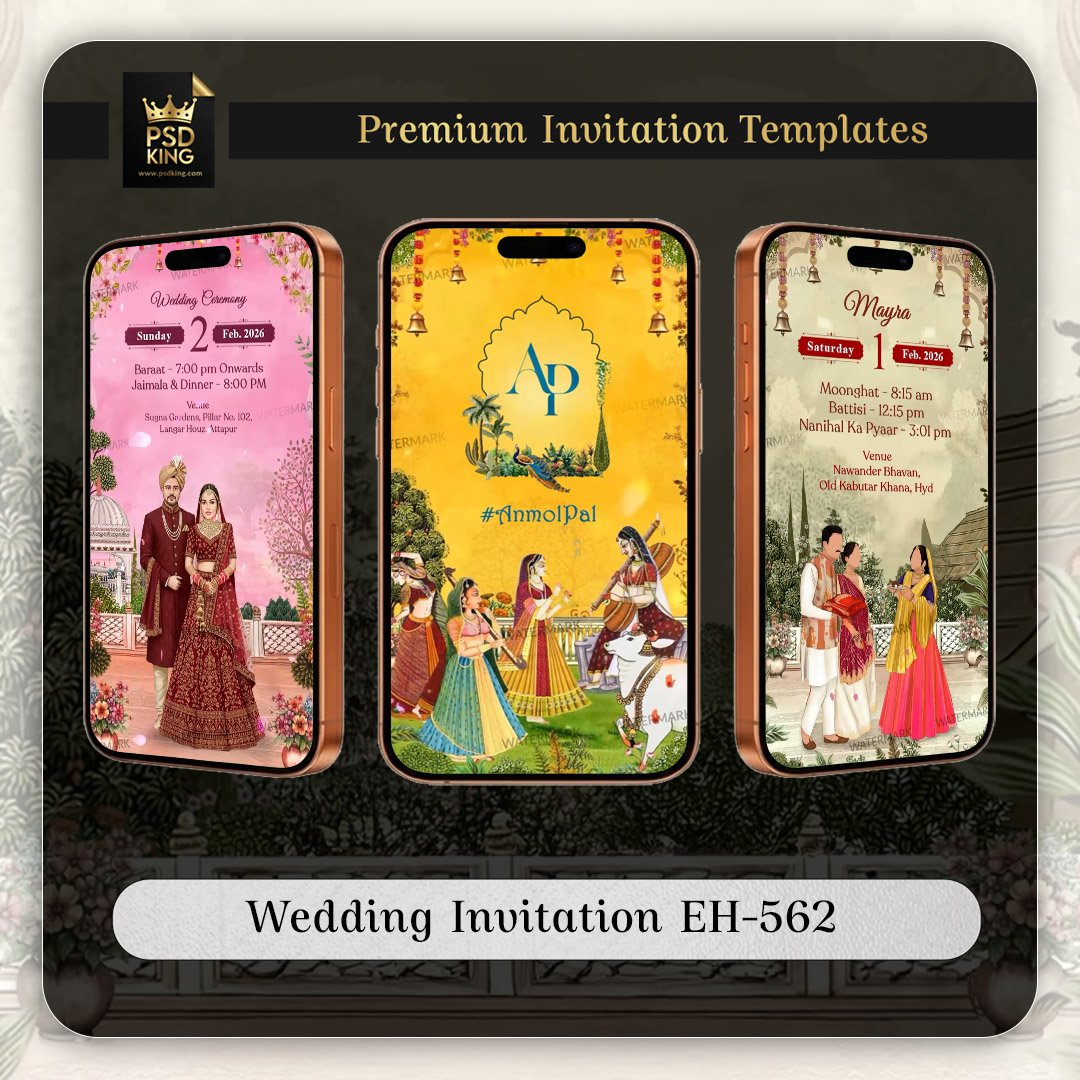
Note: Many of our video invitation templates include Blank Video Backgrounds. You can easily upload these blank clips into Canva or any mobile editing app and add your own text and music in just a few minutes.